Cody. Codex on your nightstand. Open source.
I built a small terminal with a round screen to keep an eye on Codex from my desk or nightstand. I can see how the chat I’m following is progressing, find out when a reply is ready, and answer questions sent to Cody with a tap.
View source on GitHubWhat Cody does
Follow Codex chats, activity and notifications, then open the statistics pages for remaining allowance and the next reset. When a question arrives, read the choices, review your answer and send it from Cody. Native computer approvals stay on the computer.
A closer look at Cody
How to install it
- Choose the firmware profile for your board, build it on Windows or Ubuntu and flash it over USB.
- Follow the on-device Wi-Fi setup. Choose a local network or use Bluetooth provisioning with the pairing QR in the Espressif app.
- Install the Cody plugin for Codex, open Connections on the device and enter its pairing code in the plugin. Keep the computer and Cody on the same local network.
Why open source
Cody started as a one-week project. I wanted to see if I could get Codex onto that little round screen. Then I realized it was genuinely useful to me and thought it might be useful to others too. That’s why I kept working on it and decided to share the code.
I want to choose what runs on the hardware I buy. Anyone with the board can change the interface, build their own firmware or reuse the board for another project.
Cody started with Codex, and I’d love to see what else it could do. If you have another use in mind, want to connect it to another tool, or have an idea that would make it more useful, let me know. Every suggestion is welcome, however small.
Suggest an idea on GitHub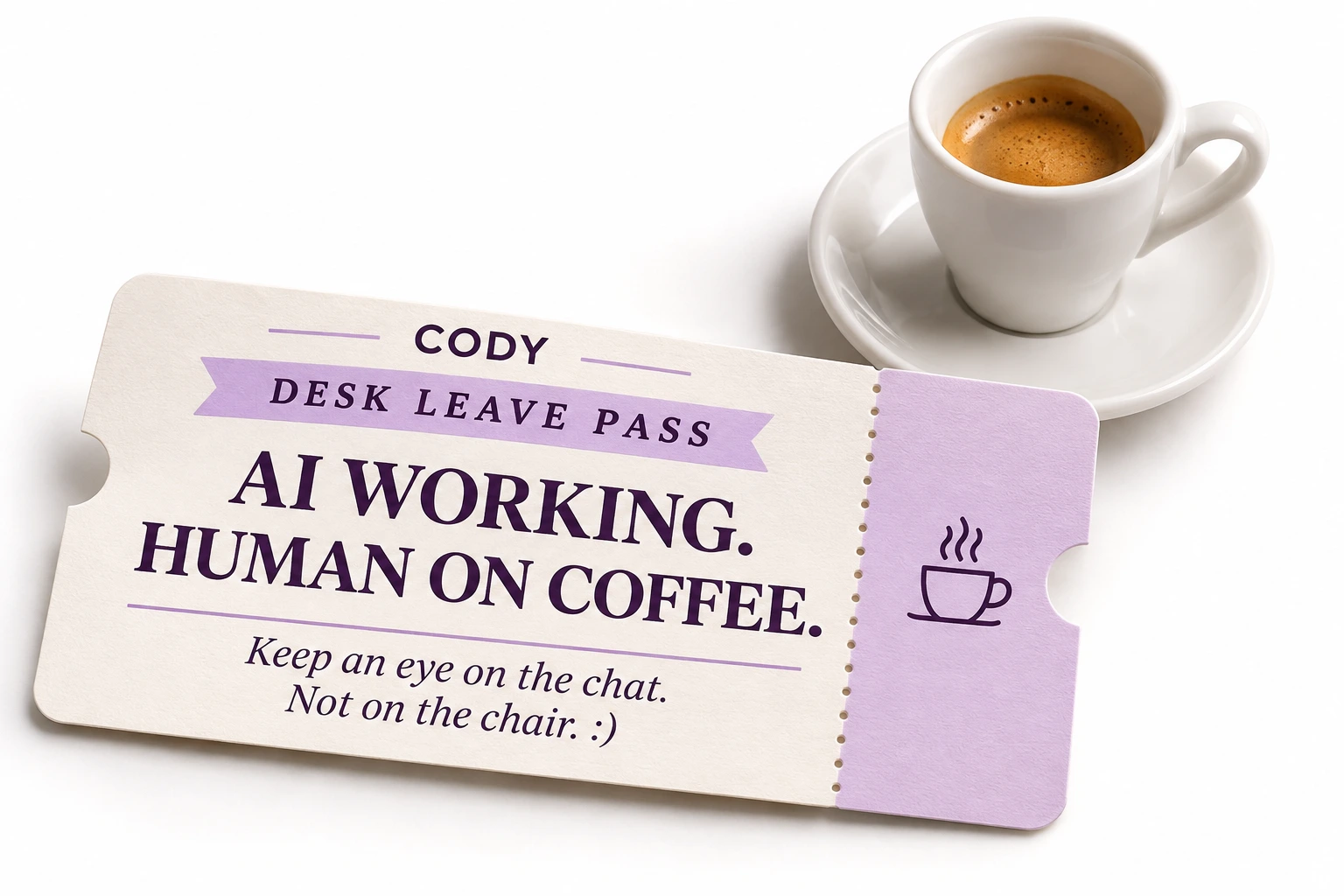
Permission to leave your desk ☕
Your AI is working. You can go get a coffee.
With Cody, follow your Codex chat and see when a reply arrives without staying glued to the monitor. Keep Cody and your computer on the same local network.
Keep an eye on the chat. The chair can look after itself. 😄
Works with Codex today. Native approvals stay on the computer.Codex today. Who can help us bring the others? 👋
Cody connects to Codex today. We want to open it up to other assistants: Claude is the next integration we would like to build; Microsoft Copilot is another direction to explore.
We need help researching available integrations, building connections and testing on real hardware. Use these tools or want to contribute code? Tell us how you can help.
Claude and Copilot integrations are project goals, still to be built.
Help us on GitHub →