HelpMe
Can’t remember that command?

HelpMe is the new name for PromptMeUp. The current Microsoft Store listing still uses the previous name.
Git, Bash, or PowerShell: describe what you want to do. hm is here to help.
One-time purchase. Includes all Pro features of version 1 and updates within 1.x. Future major versions may require a separate upgrade.
Uses your own OpenAI API account. API charges apply separately. Approved commands run with your user permissions. HelpMe has no background agent.
Your PC restarted unexpectedly. Why?
You could spend hours hunting through Windows logs. Or give HelpMe a clear goal and use Plan mode to investigate one step at a time.
Something went wrong
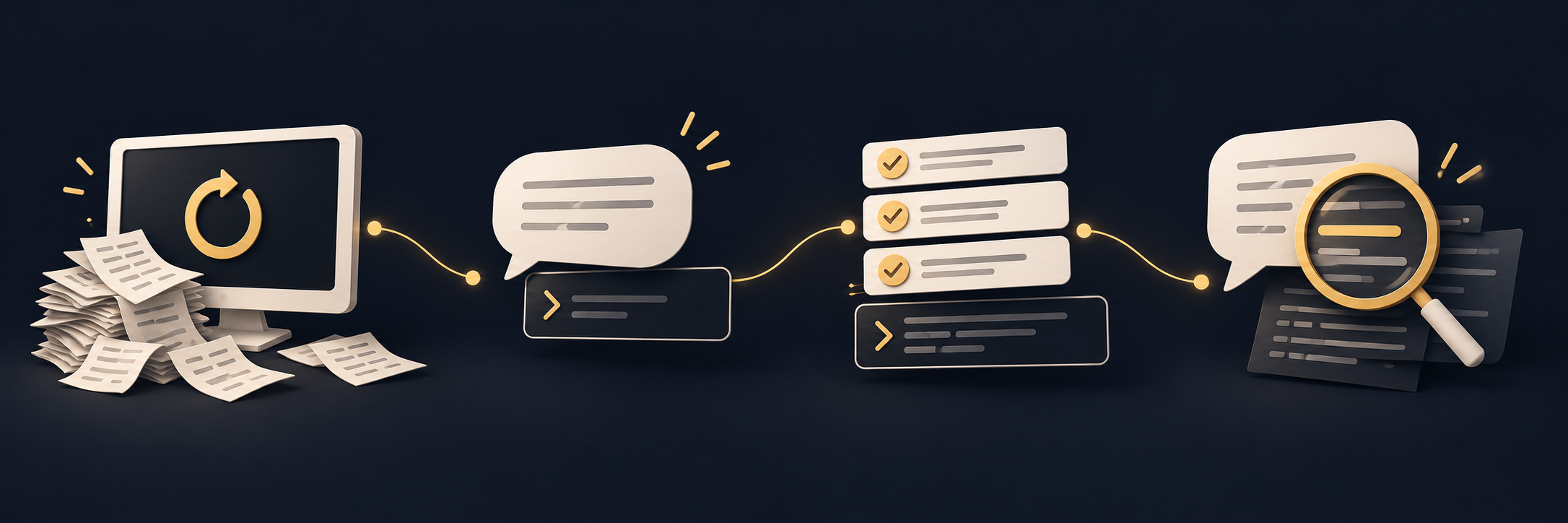
Your PC restarted unexpectedly. You want to find out why.
Describe your goal
Ask Plan to investigate the last restart using Windows logs.
Follow the checks
Review the proposed PowerShell commands and run the checks you approve.
Read the clues
Compare each output with its expected result. Ask in chat if you need help interpreting it.
hm --plan "Help me investigate why my Windows PC restarted unexpectedly. Start with read-only checks of the last restart and relevant event logs."Plan saves your progress so you can pause and resume. Review each action before it runs. For an unclear output, open hm --chat and share the relevant lines after removing private details. Logs may not reveal a definite cause.
Build it yourself. Know what is supported.
Windows 11 distribution is MSIX-only. Linux and macOS are source-only: compile and adapt the source for your environment.
Technical support, where offered, applies to commercial products only, not to open-source builds.
How I build
Built with care. Made to run light.
Good software should respect your computer, your attention and your trust.
Security starts with the source
I review third-party dependencies and their origins, including npm and NuGet packages, to reduce supply-chain risk. Depending on the project and release, checks can include automated and AI-assisted review and antivirus scanning.
Every resource matters
I pay attention to memory, CPU and performance, investigate bottlenecks and favor an experience that fits the platform.
You stay in control
When a safeguard is needed, I aim to make its actions clear and give you control over automatic behavior.
These are development principles, not a security certification. Checks, safeguards and remaining limits differ by project.